A church communication plan does not need to be a thick policy manual. It needs to help staff and ministry leaders answer the same practical questions every time something must be communicated:
- Who needs to know?
- What do they need to know?
- What should they do next?
- Where will the complete, current information live?
- Which communication channels fit the audience and message?
- When should each message go out?
- Who is responsible for each step?
Without shared answers, every event can become a new negotiation. One ministry asks for a Sunday announcement. Another wants a church-wide email. Details change in one place but not another. People hear about an activity repeatedly but still do not know how to participate.
A simple plan reduces that confusion. It gives leaders a repeatable way to choose audiences, channels, timing, and responsibilities without treating every request as equally urgent.
Copy this one-page church communication plan template
Use this template for a church-wide initiative, ministry event, volunteer opportunity, schedule change, or recurring communication campaign.
| Plan field | Your answer |
|---|---|
| Purpose | Why are we communicating this? |
| Primary audience | Who most needs this information? |
| Secondary audience | Who else may need to know? |
| Desired next step | What is the one main action people should take? |
| Essential details | What, date, time, location, cost, deadline, accessibility, childcare, and contact information, as applicable |
| Source of truth | Where will the complete and current information live? |
| Priority level | Church-wide, targeted, or team-specific |
| Channels | Website, email, text, Sunday announcement, bulletin, social media, team message, signage, or another channel |
| Timeline | When will information be published, promoted, reminded, and updated? |
| Owner | Who confirms details and approves the message? |
| Producer | Who writes, designs, publishes, or sends each item? |
| Response owner | Who handles questions, registrations, or replies? |
| Follow-up | What will happen after someone responds or the event ends? |
| Review | What will we learn or change next time? |
Free printable PDF
Download the church communication plan template
Use the two-page kit with your staff or ministry team. It includes a cover and a writable planning worksheet for one initiative, event, or campaign.
Download the template PDF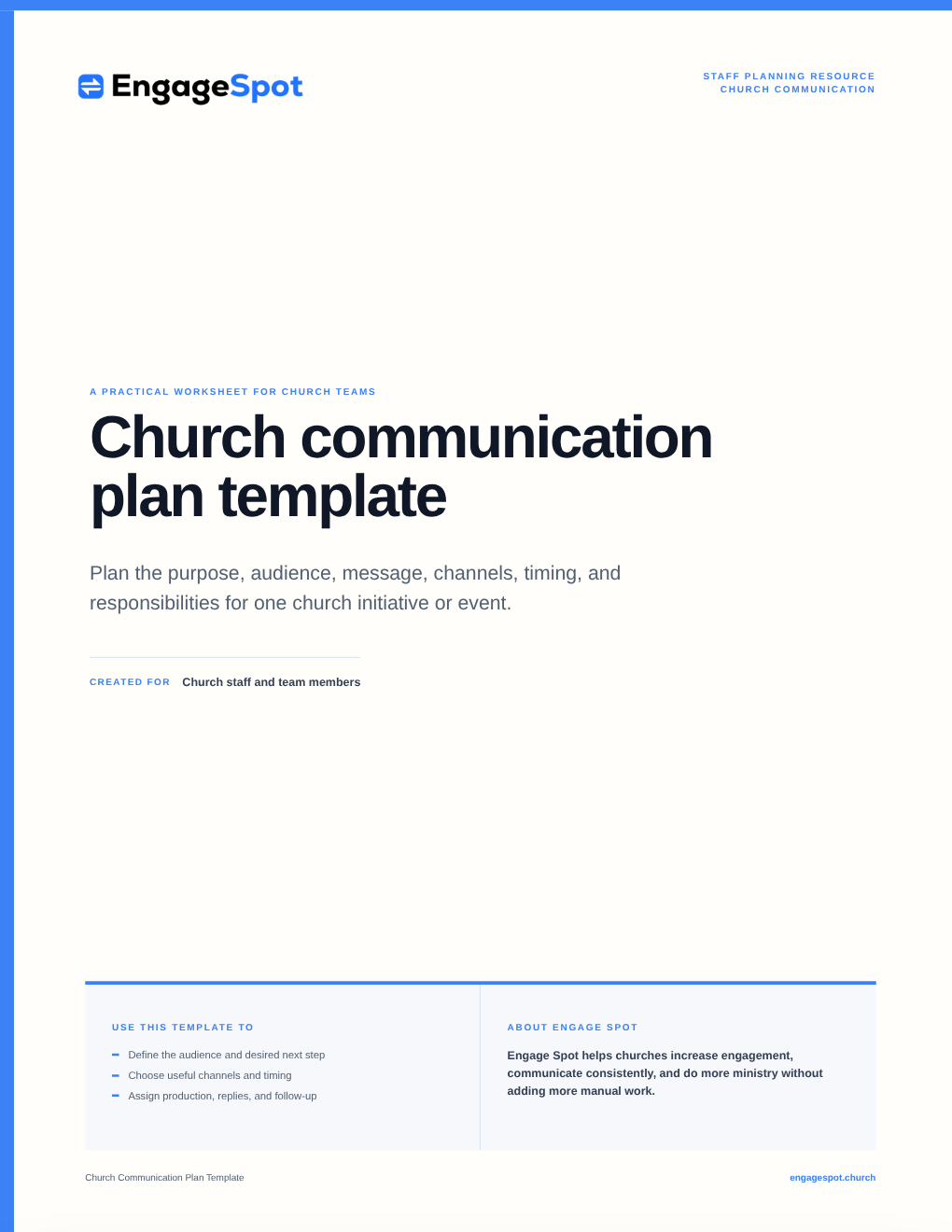
If your church is small, several responsibilities may belong to one person. Naming them still matters. “The office will handle it” is not as useful as a person’s name and a deadline.
How to create a church communication plan
1. Begin with purpose, audience, and one next step
Do not begin by asking, “Can this go on Facebook?” Begin with the reason for communicating.
Write one sentence for each of these:
- Purpose: We are communicating because…
- Audience: The people who most need this are…
- Next step: After seeing this, they should…
For example:
- Purpose: Help people who are new to the church learn how to meet leaders and ask questions.
- Audience: People who began attending recently and have not participated in a newcomer event.
- Next step: Register for the next newcomer lunch.
This is more useful than “promote the newcomer lunch.” It identifies the audience and the desired response, which makes later channel and message decisions easier.
Several church communication guides make a similar distinction between internal and external audiences. ResourceUMC notes that communication for staff, congregants, and the surrounding community will not necessarily use the same message or method. “Everyone” is rarely a precise audience.
Useful audience groups may include:
- People exploring or visiting the church
- Regular attenders
- Parents or caregivers
- Youth or young adults
- Ministry participants
- Volunteers and team leaders
- Staff and governance leaders
- Neighbours or community partners
Use only the groups that are meaningful in your church. The goal is not to build an elaborate marketing system. It is to avoid sending every message to every person.
2. Establish one source of truth
Choose one place where the complete, current information will live. For an event, that might be an event page or registration page. For an urgent schedule change, it might be a website notice maintained by a designated staff member. For a volunteer team, it may be the team’s normal communication space.
Other channels should point people back to that source when they need details or need to act.
A source of truth prevents several common problems:
- The Sunday slide has an old time while the website has the new one.
- Social posts omit registration details.
- Staff answer the same question differently.
- A correction must be made in six separate places.
Before promotion begins, confirm the information people will reasonably need: date, time, location, audience, cost, registration deadline, accessibility, childcare, what to bring, and whom to contact. Not every activity needs every field, but unanswered practical questions create unnecessary friction.
3. Set simple communication priority levels
Not every message deserves every channel. A women’s small-group time change may be essential to twelve people and irrelevant to most of the congregation. Easter service times may matter to nearly everyone and to people beyond the church.
A three-level system is usually enough:
| Level | Use it for | Typical channels |
|---|---|---|
| Church-wide | Messages relevant to most of the congregation or a major public audience | Website, Sunday announcement, church-wide email, selected social posts, bulletin or signage, and reminders when appropriate |
| Targeted | A ministry opportunity or event relevant to a defined group | Ministry email or text, event page, targeted announcement, group channels, and selected social posts |
| Team-specific | Operational details for participants, volunteers, staff, or leaders | Direct email, text, team channel, calendar, or meeting notes |
Treat the percentages or examples used by other churches as inspiration, not universal rules. Vertical Church’s published communication plan , for example, assigns different promotional channels and timelines according to an event’s reach. Your levels should reflect your church’s size, ministries, capacity, and normal channels.
4. Give every channel a job
A communication plan should not merely list every channel your church has. It should explain what each channel is good for.
| Channel | Best suited to |
|---|---|
| Website | Complete, durable information people can find or return to |
| Context, stories, several details, and links | |
| Text message | Timely reminders, changes, and short messages for people who agreed to receive them |
| Sunday announcement | A small number of broadly relevant invitations or actions |
| Bulletin or guide | Scannable information people may reference during or after a service |
| Social media | Public awareness, stories, invitations, and shareable content |
| Team channel | Instructions, schedules, and coordination for a defined group |
| Signage | On-site direction, reminders, and concise calls to action |
The right combination depends on the audience. A volunteer arrival-time change may need a direct team message, not an Instagram post. A public Christmas service may need a website page and public invitations, not only an internal email.
Also decide where replies go. Communication is not complete when a message is sent. Someone must be ready to answer the email, receive the registration, return the call, or respond to the text.
Engage Spot church communication software connects events and forms with email and text communication, helping staff keep each response and follow-up connected to the person who sent it.
5. Build the timeline backwards
Start with the date by which someone must act, then work backwards.
A practical timeline may include:
- Details confirmed: The owner approves the purpose, audience, date, location, next step, and source of truth.
- Information published: The complete page, form, or notice is available.
- Invitation begins: The primary audience receives enough notice to decide and plan.
- Reminder: People who may be interested are reminded before the deadline.
- Participant update: Registered or involved people receive the details they need.
- Last-minute change: A named person can update the source of truth and notify affected people.
- Follow-up: Participants receive thanks, resources, a next step, or a feedback request when appropriate.
Avoid applying one lead time to everything. A major retreat, a volunteer meeting, and a weather cancellation require different schedules. The planning question is: How much time does this audience need to make the requested decision?
Lifeway Research’s communication timeline recommends defining objectives, identifying key dates, selecting channels, creating a schedule, and assigning responsibilities. That sequence is a useful starting point, especially for churches building their first shared calendar.
6. Assign ownership before work begins
At minimum, identify four responsibilities:
- Information owner: Confirms the details are correct.
- Approver: Decides that the communication is ready to publish.
- Producer: Writes, designs, posts, prints, or sends it.
- Response owner: Handles registrations, questions, replies, or pastoral follow-up.
One person may fill more than one role. What matters is that everyone knows who is responsible and when their work is due.
A basic communication request form can collect:
- Requesting ministry and contact person
- Purpose and primary audience
- Desired next step
- Confirmed date, time, location, and deadline
- Registration or information link
- Accessibility, childcare, cost, and contact details
- Requested channels
- Date materials are needed
- Person responsible for replies and follow-up
The communication team should still choose the final channels and schedule. A request form gathers facts; it should not turn every requested tactic into a promise.
7. Review responses, not just output
Counting posts, emails, or slides tells you how much your team produced. It does not tell you whether people understood the message or took the intended next step.
Choose a modest measure connected to the purpose:
- Did the intended audience receive the essential information?
- Did people register, reply, attend, volunteer, or ask for the next step?
- Which questions kept appearing?
- Were any details inconsistent or late?
- Did staff and volunteers know their responsibilities?
- Did anyone receive messages that were irrelevant or excessive?
Numbers are not always necessary. A short debrief with the event owner and response owner may reveal that the registration page lacked childcare information or that volunteers received instructions too late. Record one or two improvements for next time.
A worked church communication plan example
Here is a hypothetical plan for a newcomer lunch:
| Plan field | Example |
|---|---|
| Purpose | Help recent visitors meet church leaders and learn about next steps |
| Primary audience | Adults who began attending recently |
| Desired next step | Register for the lunch |
| Source of truth | Newcomer lunch event and registration page |
| Priority level | Targeted |
| Channels | Personal invitation, visitor follow-up email, event page, brief Sunday mention, and one reminder to registrants |
| Timeline | Publish four weeks ahead; begin invitations three weeks ahead; remind registrants two days ahead |
| Information owner | Connections ministry leader |
| Producer | Communications coordinator |
| Response owner | Connections ministry administrator |
| Follow-up | Send thanks and the next-step information requested by each participant |
| Review | Note repeated questions and update the event page before the next lunch |
This is an example, not a prescribed schedule. A small church may use a simpler process; a multisite church may need more approvals and local details.
Start small
Your first church communication plan does not need to solve every communication problem. Begin with one recurring event or one ministry season. Use the template, notice where details or responsibilities remain unclear, and improve it the next time.
The best plan is not the one with the most channels or the most rules. It is the one your staff and volunteers can follow consistently—and that helps people receive the information they need and take an appropriate next step.
Frequently asked questions
What is a church communication plan?
A church communication plan is a practical guide for deciding why a message is being shared, who needs it, what action they should take, which channels will be used, when communication will happen, and who owns each step.
What should a church communication plan include?
At minimum, include the purpose, audience, desired next step, essential details, source of truth, priority, channels, timeline, responsible people, follow-up process, and review method.
What is the difference between a church communication strategy and a communication plan?
A strategy sets the larger direction: audiences, principles, priorities, and the role of each channel. A plan applies that direction to a specific period, ministry initiative, event, or message. Small churches can keep both in one short document.
How often should a church update its communication plan?
Review the plan when channels, staff responsibilities, ministry priorities, or audience needs change. Also review recurring communication after it has been used so the next version reflects what the team learned.
Should every church event receive a Sunday announcement?
No. Reserve church-wide channels for information relevant to a broad audience or central church priorities. Targeted events are often better communicated directly to the people most likely to participate.