Church text reminders help people know what to expect and what to do next. They can confirm where an event is happening, tell a volunteer when to arrive, or make sure registrants see a schedule change.
Scheduling helps staff prepare those messages while the details are clear instead of writing them in a rush. The goal is not to fill a communication calendar. It is to send the smallest number of useful messages to the people who expect them.
Use the examples below to plan common church reminders, then copy the planning kit to prepare your next message with your team.
When to schedule a church text reminder
Schedule a message when the information is time-sensitive, relevant to a defined audience, and easy to act on from a phone. Common examples include:
- Event registration confirmations
- Event reminders
- Volunteer arrival instructions
- Weather or location changes
- Deadlines for forms or registrations
- Follow-up someone specifically requested
Do not schedule a text simply because the platform allows it. If the information is not timely, email or a website page may give people more room to understand it.
How far in advance should a reminder be sent?
There is no universal schedule for every church or event. Choose timing based on when the recipient can still act.
- At registration: confirm that the signup worked and provide the core details.
- Several days before: useful when someone needs to prepare, bring something, or arrange transportation.
- The day before: useful for confirming time, location, parking, or arrival instructions.
- The same day: reserve for genuinely timely information or changes.
Avoid sending several reminders that repeat the same information. Each message should reduce uncertainty or help someone take the next step.
Church event reminder text examples
Registration confirmation
You're registered for the Newcomers Lunch on September 14 at 12:30 PM. It will be in the fellowship hall after the second service. Reply here with any dietary questions.
Day-before event reminder
Reminder: the Newcomers Lunch is tomorrow at 12:30 PM in the fellowship hall. Check in at the welcome desk when you arrive.
Family event reminder
Family Games Night starts Friday at 6:30 PM. Enter through the west doors. Games and snacks are provided; children must attend with an adult.
Registration deadline
Registration for the volunteer training closes Thursday at 5:00 PM. If you plan to attend, complete the form here: [link]
Keep event reminders tied to the people registered for that event. A connected church event registration workflow avoids maintaining a separate reminder list.
Sunday service and schedule-change examples
Weather-related service update
Today's 10:30 AM service is continuing as scheduled. Please use the south entrance while the main steps are being cleared.
Service cancellation
Because of unsafe road conditions, tonight's 7:00 PM gathering is cancelled. The building will be closed. Please do not travel to the church.
Location change
Sunday's outdoor service is moving into the main auditorium because of the forecast. The 10:00 AM start time is unchanged.
For urgent changes, identify the church clearly and put the essential information in the text itself. Do not make recipients open a link to learn whether an event is cancelled.
Volunteer reminder text examples
Arrival instructions
Hi Taylor—thank you for serving with the welcome team Sunday. Please arrive at 9:15 AM and meet Sam by the main entrance. Reply if your availability has changed.
Final role confirmation
You're confirmed for childcare check-in at the 11:00 AM service. Please arrive 20 minutes early and bring your staff badge.
Open volunteer need
We still need two setup volunteers for Saturday's community meal from 3:00–5:00 PM. Reply YES if you are available and Maya will confirm the details.
Send volunteer requests to a relevant team or group instead of the entire congregation. Make sure someone is prepared to monitor and confirm replies.
Visitor follow-up scheduling examples
Visitor communication should reflect what the person asked for. Avoid dropping every guest into the same automated sequence.
Requested ministry information
Hi Jordan, this is Chris from Community Church. You asked about youth programs on your connection card. Is text a good way to send you the current schedule?
Prayer follow-up
Hi Morgan, this is Priya from the care team. Thank you for trusting us with your prayer request. You invited a follow-up—would you prefer a text conversation or a phone call?
Use scheduled acknowledgements carefully. A queued message should not imply that a staff member has personally read a sensitive response when they have not. See how visitor responses and follow-up can stay connected.
Copy-and-use staff tool
Church text message planning kit
Use this checklist before you schedule a church text. It helps your team send a useful message to people who expect it and makes sure someone is ready to handle replies.
Purpose
What does the person need to know or do?
Audience source
Did they register for an event, join a group, complete a form, subscribe to a topic, or serve on a team?
Timing
When should they receive the message while they can still act on it?
Essential details
Include the date, time, location, change, deadline, or requested action.
Permission
Have they chosen to receive this type of communication by text?
Reply owner
Who will monitor questions and responses?
Cancellation check
Who will cancel or update the scheduled message if plans change?
Free printable PDF
Download the church text message planning kit
Use the three-page kit to plan the message, prepare the draft, and assign responsibility for replies or schedule changes.
Download the planning kit PDF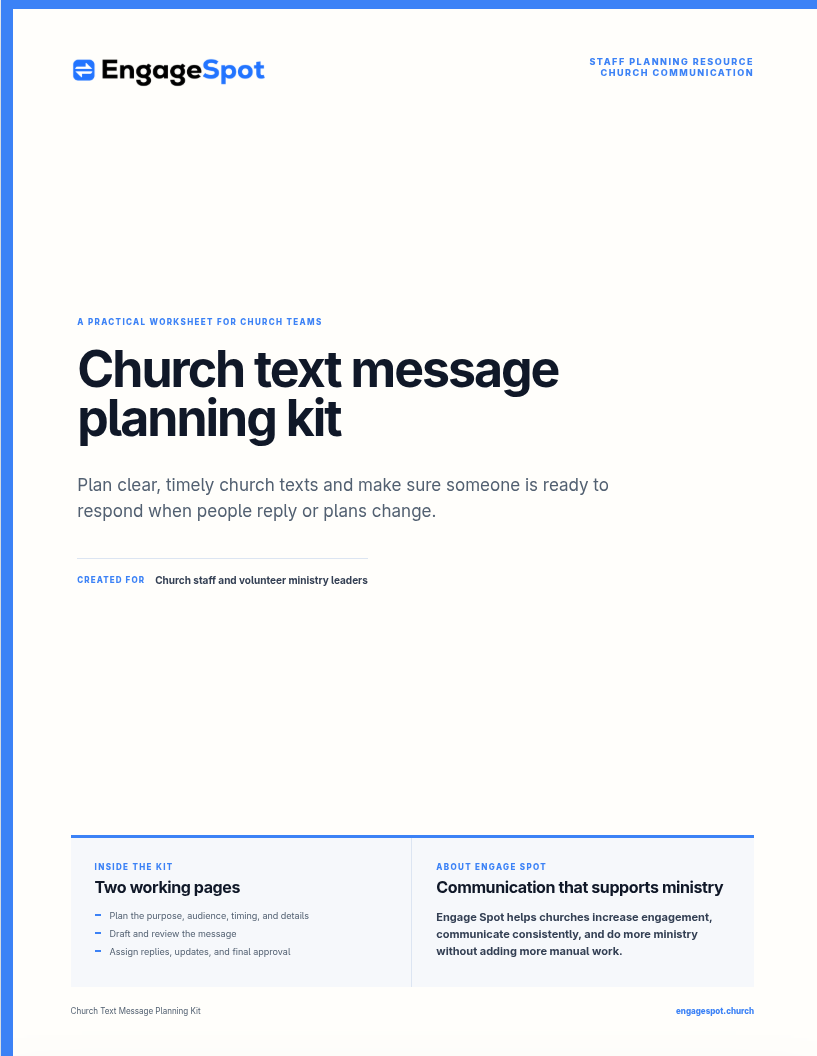
Common scheduling mistakes
- Scheduling before details are final. Confirm the event source of truth first.
- Choosing the largest possible audience. Relevance matters more than send count.
- Repeating the same reminder too often. Send when new value or useful timing exists.
- Forgetting queued messages after a cancellation. Review and remove anything now inaccurate.
- Using unclear personalization. Test missing names and other empty fields.
- Inviting replies without monitoring them. Every response channel needs an owner.
- Sending across time zones without checking delivery time. Review the actual local send time.
What to look for in scheduling software
A church texting platform should make scheduled communication easier to verify and manage. Evaluate:
- A clear queue of upcoming messages
- The ability to edit or cancel before sending
- Audience previews and recipient counts
- Personalization previews and fallback values
- Group, event, and form-based audiences
- Visible SMS permission and opt-out status
- A shared place for incoming replies
- Message history connected to the person
For a broader framework, read the practical guide to church text messaging.
Schedule the handoff, not the relationship
Scheduled messages can prevent missed details and reduce last-minute work. They are most valuable when they support a clear ministry workflow and leave room for a real person to respond.
Engage Spot connects scheduled church texting to events, forms, people records, permissions, and replies. Explore the church texting service or talk with our team about making church reminders easier to manage.